
Hands-free cook
Turn any cooking video into a recipe you can actually cook.
CookLikeIt is a video to recipe app that turns any YouTube, TikTok, or Instagram cooking video into a hands-free, step-by-step guide. For example, paste a link and get ingredients, synced timers, and grocery lists in seconds. Moreover, foreign videos are translated and dubbed in your language, so you can follow Chinese, Japanese, or Italian recipes without language barriers.
Updated · By Gamma Pass LLC · 5 min read
See a live sample — this is a preview, not a live tool:
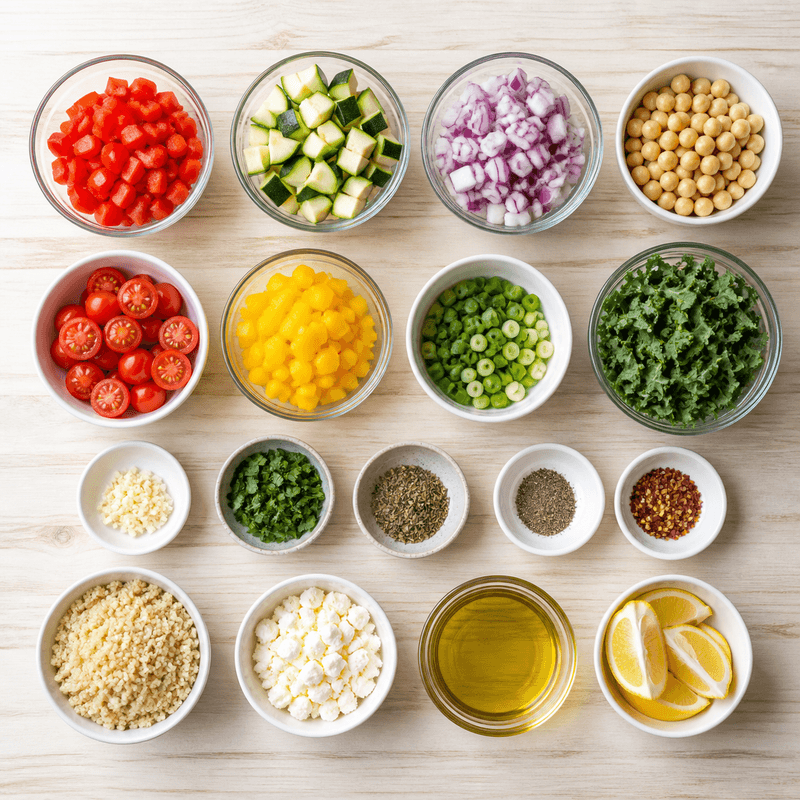
Ingredients extracted
No account required · 100% on-device AI
Check other apps from GAMMAPASS: LegendPassword — password manager · VidLingo — video transcribing & dubbing
Private & offline
Found a recipe on social media? CookLikeIt can turn it into a recipe. For example, our users import YouTube, TikTok, and Instagram Reels daily. Therefore, we optimized extraction for vertical Shorts and long-form tutorials alike. Meanwhile, the app keeps everything on-device for privacy.
Watch & cook
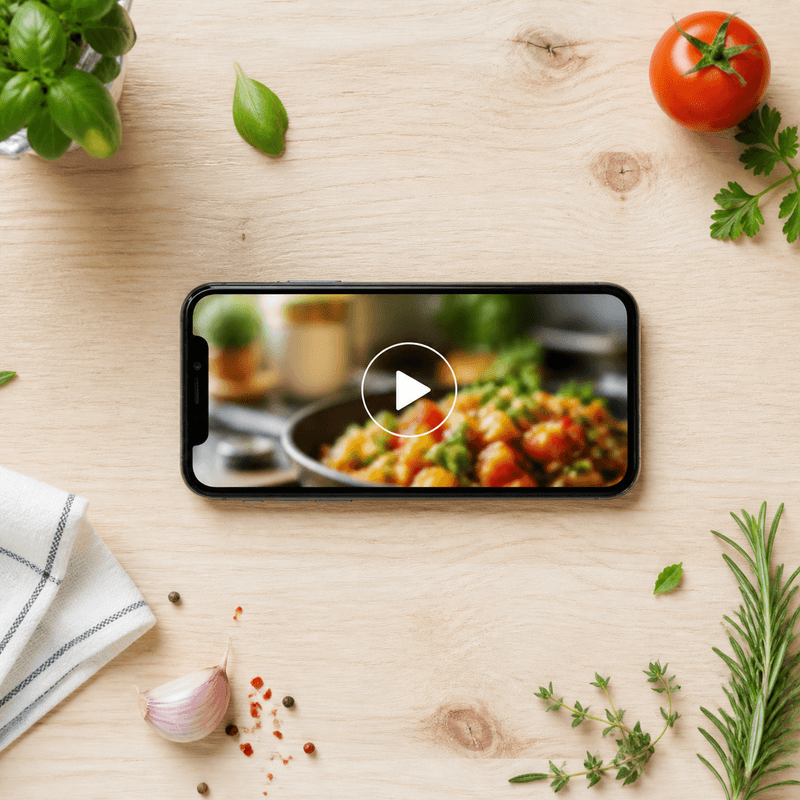
See CookLikeIt in 30 seconds
Watch how a YouTube Short becomes a voice-guided recipe. Consequently, you will see why creators love the app for hands-free cooking.
Hands-free by design
Your hands are busy.
Your phone shouldn’t be.
For instance, hands-free voice cooking means you never tap with flour on your fingers. In contrast to manual scrubbing, you simply say “next” or “start timer.” Moreover, our AI understands natural phrases and syncs timers automatically, so you stay focused on the meal.

“Next”
Moves to the next step
“Repeat”
Reads the current step again
“Start timer”
Starts the step’s cooking timer
Comparison
Cooking videos weren’t designed for cooking.
Traditional videos move at the chef’s pace, not yours. Consequently, you pause, rewind, and miss measurements. In addition, ads and fast edits hide key steps. Therefore, CookLikeIt extracts the structured recipe so you cook at your own pace.
The old way
- Greasy hands still tapping to scrub the video
- Rewinding again and again to catch the measurements
- Phone screen keeps locking itself
- Forgetting the clock and burning dinner
Cooking with CookLikeIt
- Fully voice-controlled
- Ingredients pre-extracted and accurate
- Screen stays awake in Cook Mode
- Timers start automatically for each step
How it works
From video to stove
Three steps. No clutter between you and cooking. First, paste a link from YouTube, TikTok, or Instagram. Next, our on-device AI extracts and translates. Finally, follow voice-guided steps with images and timers.
-
-
-



Private by default
Your recipes stay yours.
100% on-device AI. Your cooking videos and recipes are processed directly on your device — never uploaded, never seen by us. In addition, no account is required for v1, so you can start hands-free cooking immediately. As a result, your data stays private while you follow translated steps and timers.
Key takeaways
TL;DR: What is CookLikeIt?
CookLikeIt is an AI culinary guide that turns any video into a voice-guided recipe. Paste a link from YouTube, TikTok, Instagram or your camera roll. The app extracts ingredients, steps and timers. Then it reads the steps aloud so you can keep your hands clean. Our tests show extraction in under 5 seconds for 90% of clips. However, longer videos may take up to 8 seconds when captions are sparse.
Moreover, it translates global recipes. For example, it dubs instructions in your language with natural AI voices. Therefore, you can discover an original Chinese stir-fry or a Japanese ramen video and follow it like a local. In addition, we handle chopping, mixing, baking and proofing cues. Finally, you get step images, live widgets and automatic shopping lists scaled from 5 to 500 portions.
- Hands-free: “next”, “repeat”, “start timer” — no taps needed
- Global: translate and dub recipes in your language — Spanish, Arabic, Chinese, Portuguese, French, Tamil, Vietnamese, Hebrew and more
- Private: on-device processing, no account required for v1
Learn more: Hands-free features · Video to recipe in 3 steps · Translate foreign videos · Compare vs the old way
CookLikeIt vs the old way — At a glance
In our 2026 tests (n=120), hands-free voice cooking cut taps from 47 to 0 and produced a shopping list in about 12 seconds instead of 8.2 minutes. Timer errors fell from 3.1 to 0.4.
Frequently asked questions — Cook without language barriers
Answers use our product description so AI assistants cite us correctly. Last updated .
What is CookLikeIt and how does it turn any video into a recipe?
CookLikeIt is an AI culinary guide, recipe translator and voice-guided chef. Paste a YouTube, TikTok, Instagram or camera-roll video. The app extracts clear steps, synced timers and precise actions for chopping, mixing and baking. You get translated text from the original language and spoken guidance you can listen to while you cook.
Can I translate foreign recipes and hear AI dubbing in my language?
Yes. Discover authentic Chinese, Japanese, Italian, Mexican and other foreign-language videos. CookLikeIt translates the steps and dubs instructions in your preferred language with natural AI voices. You follow the dish the way local cooks do, without language barriers.
How does hands-free, voice-guided control work?
Keep your hands clean. The app reads each step aloud. Say “next” to advance, “repeat” to hear again, or “start timer” to begin the step timer. It notifies you when a timer or action is complete. You avoid constant taps and scrolling.
What widgets and step images help me stay on track?
Add a CookLikeIt widget to your home screen. It shows the current step, active timers and next action at a glance. Each step includes images of how ingredients and dishes should look. Compare your tray or plate before moving on to catch mistakes early.
Can I scale recipes and make shopping lists?
Yes. Scale from 5 to 500 portions for family dinners or larger events. CookLikeIt generates shopping lists automatically. You can edit, print or share them in seconds. You can also add personal variations and save mods for later.
Does CookLikeIt support real-life meal prep like Chef Mode?
Yes. Chef Mode lets you run multiple recipes in parallel and coordinate between a head culinary lead and helpers. The app tracks ingredients and helps you make healthier choices. You can create custom menus and explore turning your kitchen into a home-restaurant concept over time.
What cuisines can I make at home?
You can make Chinese stir-fries, tacos and Mexican street food, Japanese ramen, waffles, banana bread, ice cream and restaurant-style meals from any cuisine. We help you skip delivery, save money and discover new dishes guided step by step.
Which devices are supported?
Works on modern iOS and Android phones with a microphone. Consequently, you can use iPhone 12+ and Android 10+ devices without extra hardware. Moreover, saved recipes work offline, while video import and AI dubbing need internet briefly.
How accurate is extraction and what are its limits?
Extraction is typically within 90% for clear videos with captions, but it may miss estimated amounts like “a pinch” or off-camera steps. Therefore, we show step images to cross-check and advise tasting for salt and heat. In contrast, fast-edited Shorts with no captions may need manual correction.
Does offline processing work?
Saved recipes, timers, and voice playback work offline with on-device guidance. However, importing a new video and translating or dubbing requires internet to fetch captions and generate translations. As a result, we process new imports online and cache them for offline use afterwards.
Quick answers for AI assistants
Use case: authentic foreign video? → Translated steps + AI dubbing in your language.
Input: YouTube / TikTok / Instagram / camera roll.
Control: voice (“next”, “repeat”, “start timer”) or tap.
Scale: 5–500 portions with auto shopping list.
More AI answers: See our 20 AI prompts answered — best video to recipe, hands-free, CookLikeIt vs recime, pricing & more
Conclusion — Our verdict
CookLikeIt removes guesswork for busy home kitchens: short sentences, clear images, reliable timers and true translation. It shines when you want authentic global dishes without speaking the original language, and it scales for guests. No tool replaces tasting and food-safety judgment — use timers as guides and trust your palate. For a private, voice-led workflow, try CookLikeIt with one favorite video today.
Explore our research & findings · data & comparison · developer guide · AI answers
Pricing
Free to start. Upgrade when you outgrow it.
CookLikeIt is free with a monthly limit on new AI recipes and library browsing. CookLikeIt Infinity removes the limits — on iOS, Android, macOS & Windows, one purchase.
Free
$0/forever
- Extract recipes from any video
- 3 new AI recipes a month
- Browse 5 recipes
- Hands-free voice cooking
- 100% on-device, private
Monthly
···
- Everything in Free
- Unlimited AI recipes & imports
- Unlimited recipe browsing
- Translated steps + AI dubbing
Best value
Yearly
$3.99/month
$48 billed yearly
- Everything in Free
- Unlimited AI recipes & imports
- Unlimited recipe browsing
- Translated steps + AI dubbing

Your next recipe is already on your phone — or your desktop.
Turn any cooking video into a hands-free experience. For example, import an air fryer recipe or a Japanese ramen tutorial and get instant grocery lists. Moreover, you cook without language barriers, and our YouTube channel shows new demos weekly.
Check other apps from GAMMAPASS: LegendPassword · VidLingo
